Placeholder motion while the real walkthrough is still being made.
Workflow
How you actually use it.
You make a project, toss pieces on a canvas, run something, keep what works, and repeat. No fake productivity religion required.
Sequence
A simple path through the app.
Start somewhere
Make a little project so the experiment has a home.
Connect the bits
Prompts, notes, templates, and source assets all get to hang out together.
See what happens
Trigger runs and watch the queue instead of hoping the provider tab updates.
Keep what works
Review the outputs and send the good ones back into the next pass.
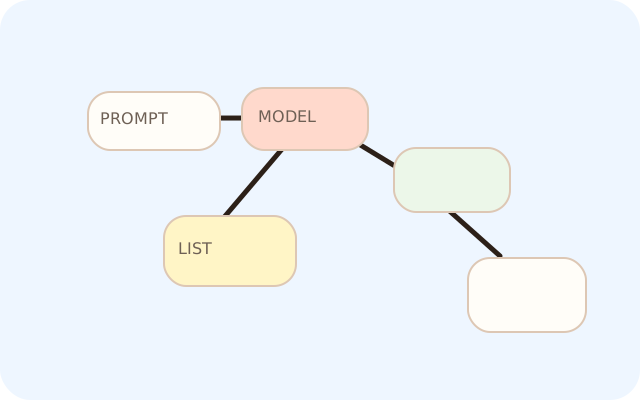
The canvas is where the graph starts to make sense.
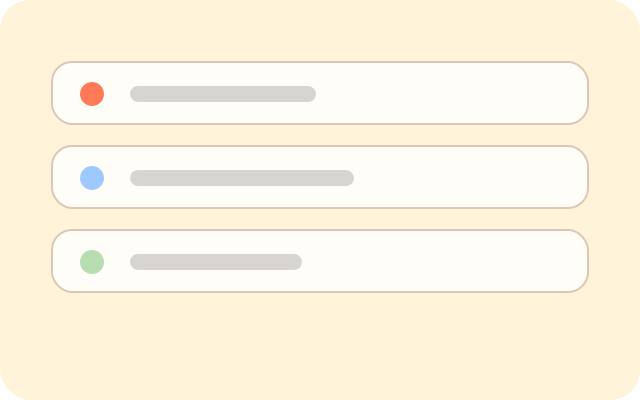
The queue is where you see whether the idea is actually moving.
Who it is for
People with too many tabs open
Especially the ones who are already doing a lot of image and text tinkering and want a calmer place to keep track of it.
Current scope
One person, one Mac, one weird little workflow at a time
Right now it is a desktop app, not a shared cloud workspace, and that is intentional.